BMX LIFE Controls
Every binding that matters for freestyle BMX sessions — keyboard first, then touch and gamepad notes.
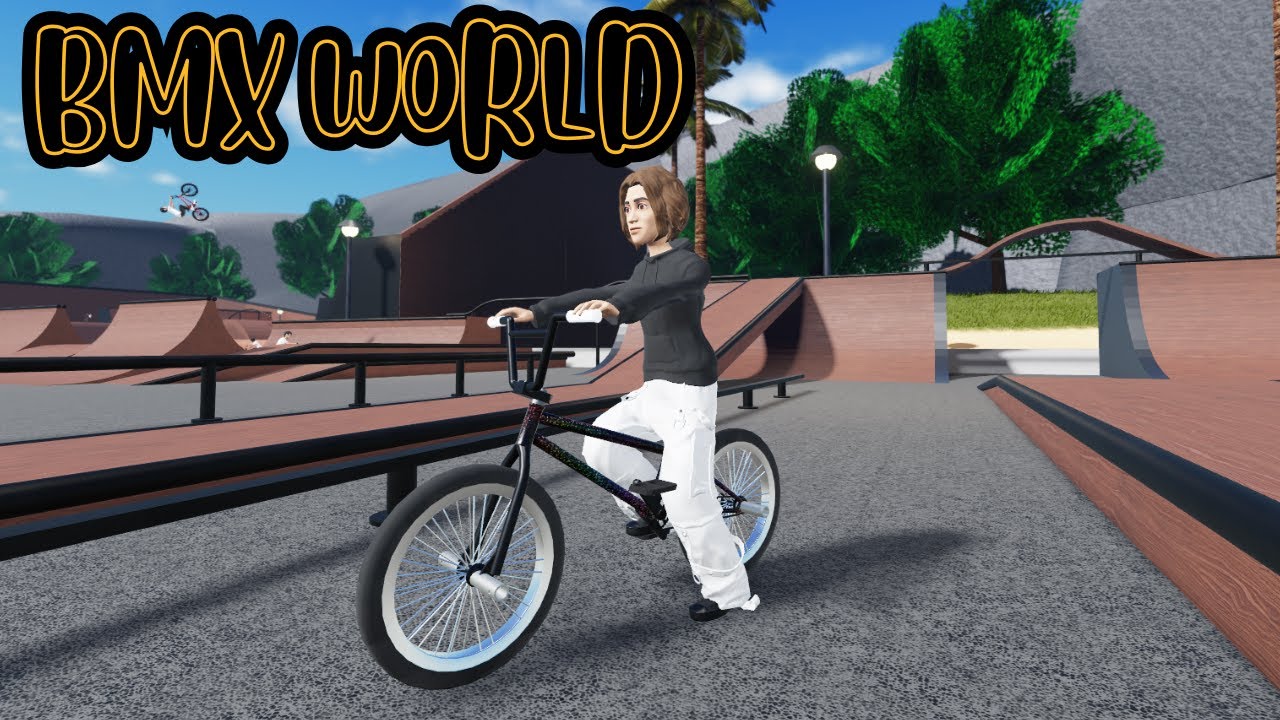
Clean tricks start with BMX LIFE controls you can fire without looking at the keyboard. This page documents the freestyle BMX Roblox bindings players use in the BMX WORLD community experience, then adds mobile and console guidance so you are not guessing on a couch or phone.
PC keyboard (primary)
| Key | Action | Notes |
|---|---|---|
| W | Accelerate / roll forward | Feather near lips; pinned W overshoots |
| A / D | Steer left / right | Also spin direction while airborne |
| S | Brake / roll back | Useful to reset on deck |
| Space | Jump / pop | Hold in air to charge rotations |
| Space + A or D | Spin / flip direction | Longer hold → more rotation |
| Left Shift | Wheelie / manual | Balance with small steer taps |
| C | Cycle camera | Includes a first-person option |
Creator sessions also show a bunny hop style pop once you learn the timing — useful for clearing low ledges without a ramp. Treat it as an advanced add-on after the basics in Getting Started.
Air and landing rules of thumb
- Approach the ramp square — steering mid-lip throws your axis.
- Press Space near the lip, not halfway up the transition.
- Add A or D only after you leave the lip.
- Release all keys just before the wheels kiss the deck so the bike rolls out instead of cartwheeling.
- If you over-rotate, reduce hold time before you add a second spin.
These habits feed directly into tricks and flips and the trick tier list.
Wheelie input detail
Hold Left Shift on flat ground while rolling. Tiny A/D taps catch balance the same way a real manual does. Do not mash Space while shifted unless you intend to pop out of the manual. Full drills live on How to wheelie.
Camera discipline
Press C until landings are readable. First-person feels great for speed but hides the rear wheel on manuals. Most freestyle clips use a slightly pulled-back third person. Revisit camera whenever you change bike customization colors so contrast stays high against the park.
Mobile touch
Roblox mobile places a throttle/steer cluster over the world. Habits that help:
- Drop graphics if the phone thermal-throttles mid-line.
- Treat on-screen throttle like a trigger, not a toggle.
- Keep third person until you can land 180s consistently.
- Expect less precision on multi-spins; practice on PC if you care about leaderboard-clean landings.
Console gamepad
Default Roblox vehicle mapping usually puts drive on a trigger and steering on the left stick. Face buttons or bumpers cover jump and wheelie depending on device. Open Roblox’s in-experience controls viewer if a label is missing — do not assume Xbox and PlayStation glyphs match a PC wiki chart one-to-one.
Practice circuit (10 minutes)
- Flat Shift manuals for two minutes.
- Single ramp, no spin, five clean lands.
- Same ramp with 180s.
- Camera-only lap: change C until you prefer one angle.
- Cool down with a cruise while reading Players etiquette.
Related hubs
- Codes — optional; do not block practice on promos.
- Scripts — understand risks before any executor.
- Updates — rebind notes after patches.
- Guides Hub — full training list.
Master these controls once and every later BMX LIFE guide gets shorter, because the inputs stop being the mystery.
Frequently Asked Questions
Quick answers for codes, controls, tricks, and bike builds.
How do you spin in BMX LIFE on PC?
Hold Space in the air and tap or hold A or D. Release everything before landing.
What key is wheelie?
Left Shift while rolling. Feather steer to stay balanced.
How do I change camera?
Press C to cycle angles, including first-person.
Where should I practice after learning controls?
Follow How to wheelie then Tricks and flips.