Getting Started in BMX LIFE
Your first session plan for the Roblox freestyle BMX park — controls, goals, and smart next steps.
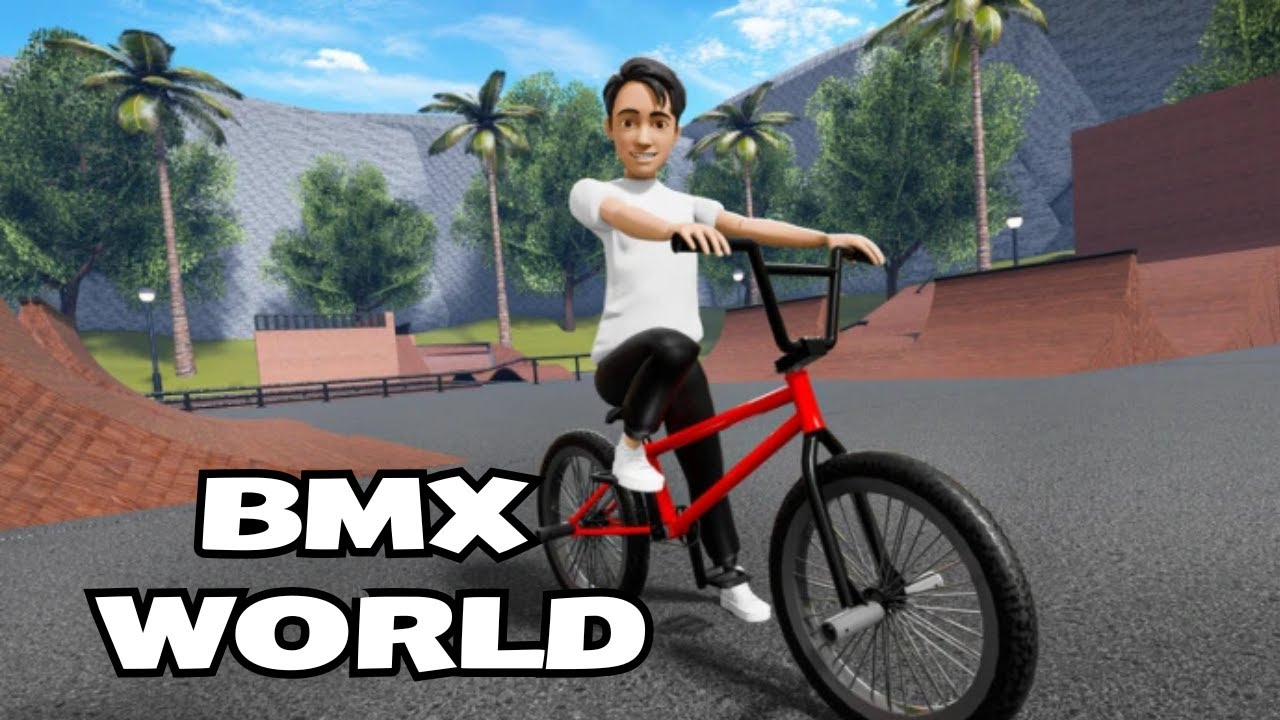
Welcome to BMX LIFE on Roblox — the freestyle BMX lifestyle wiki built around the park sessions players join through the BMX WORLD community place. This getting-started guide covers the first fifteen minutes so you stop flailing on the first ramp and start landing clean.
The experience is free-to-play, runs on PC, mobile, and console via Roblox, and caps servers around a dozen riders. You spawn on a BMX inside a skatepark: quarter pipes, rails, bowls, and enough room to session without a forced tutorial wall.
Minute 0–2: spawn and look around
- Open the Roblox game page and press Play.
- Wait for the bike to replicate — do not mash jump while assets stream in.
- Tap C a few times to find a camera angle you can read landings with (third person is friendlier at first).
- Note the Customs control on the lower left; ignore Robux wraps until you can ride.
If the server feels empty, hop once — peak concurrency swings, but visits sit well over one hundred million, so sessions refill.
Minute 2–7: learn the feel
Read the full controls page when you can, but memorize this core set now:
| Input | Action |
|---|---|
| W A S D | Steer and roll |
| Space | Jump / pop; hold in air with A/D to spin |
| Left Shift | Wheelie / manual |
| C | Cycle cameras |
Roll flat first. Hold Shift and feather throttle to feel the manual balance point. That single habit feeds every later line in how to wheelie.
Minute 7–12: one ramp, many reps
Pick the smallest quarter pipe you can see. Approach straight, press Space near the lip, and release inputs before the deck so the bike lands rolling. Add a short A or D tap in the air for a 180 only after three clean landings.
Watch other riders. Copy their run-up speed more than their flashiest flip. The tricks and flips guide breaks spins down once this feels natural.
Minute 12–15: light customization
Open Customs. Change frame or tire color with free options so you can spot your bike in replays. Skip Animated Wrap, Glow Wrap, and Underglow until you read bike customization and the cosmetics tier list.
Goals for your second session
- Hold a wheelie across a flat lane without dabbing.
- Land five 180s in a row on the same ramp.
- Film one short clip for yourself — photo mode or Roblox recorder.
- Skim the Codes Hub so you know the honest promo status (often empty).
- Bookmark updates for the next patch stamp.
Common beginner mistakes
- Holding Space through the entire landing (you keep rotating into the floor).
- Turning mid-lip instead of approaching square.
- Buying Robux cosmetics before learning camera control.
- Chasing unverified code lists instead of practicing.
- Joining mid-ramp traffic and clipping another rider’s line — see Players.
Where to go next
Continue with controls if any binding still feels fuzzy, then how to wheelie. When air time feels stable, move to tricks and flips and check the trick tier list for a difficulty ladder.
BMX LIFE rewards patience. The park does not gate you behind gacha; your next clean landing is the unlock.
Frequently Asked Questions
Quick answers for codes, controls, tricks, and bike builds.
Is BMX LIFE free on Roblox?
Yes. The freestyle BMX place is free-to-play. Optional Robux wraps exist but are not required.
What should I do in my first session?
Learn camera and Shift manuals on flat ground, then repeat one small ramp before trying multi-spins.
Are there codes I must redeem on day one?
Check the Codes Hub — often there are no verified active codes, so do not stall your practice.
Which guide comes after Getting Started?
Open Controls, then How to wheelie.