Photo Mode & Clips in BMX LIFE
Frame clean tricks, pick readable cameras, and share the skatepark while you shoot.
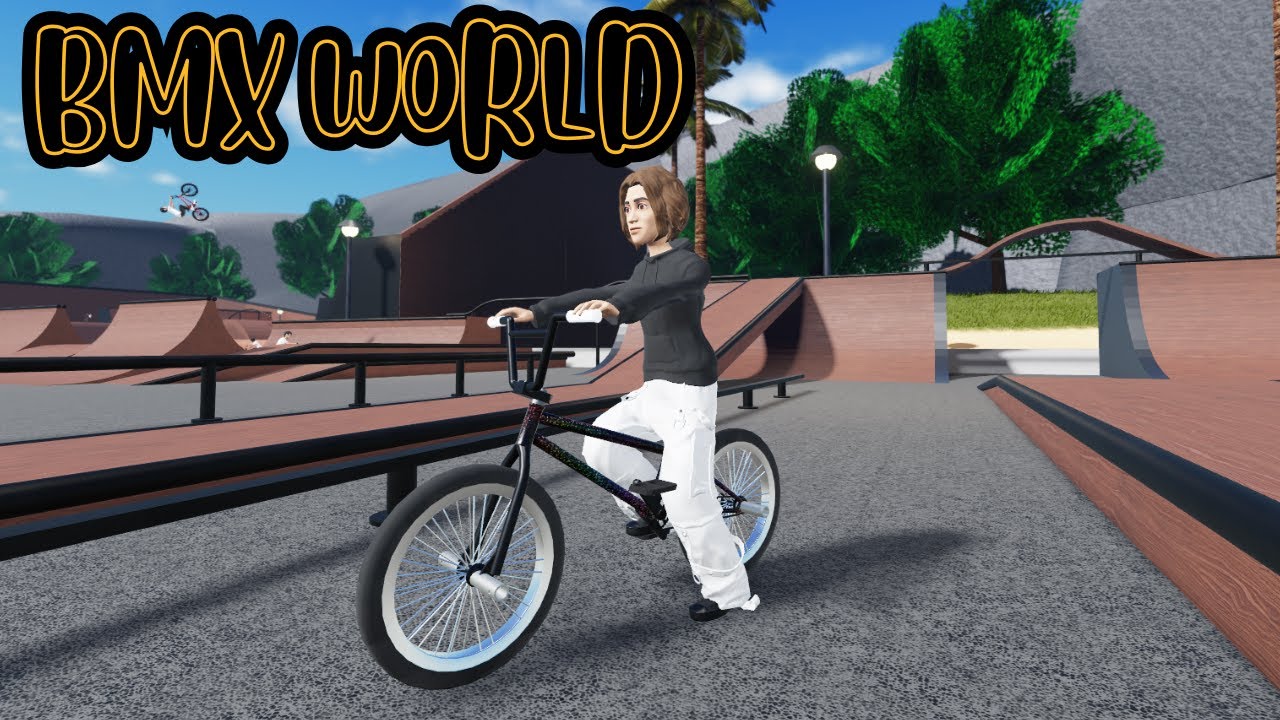
Photo mode and clips in BMX LIFE turn practice into proof. Creators on the freestyle BMX Roblox place call out stills and short takes after clean tricks — but a good shot starts with a good plant, not a filter. This page covers framing, camera habits, and lobby etiquette so your content does not ruin someone else’s line.
Before you open the camera
- Land the trick using Clean landings and Tricks and flips.
- Know your route from Park lines.
- Wear readable colors from bike customization so the bike separates from the deck.
- Press C until you find a third-person angle with space around the rider (Controls).
Shot types that work in this park
| Shot | Setup | Tip |
|---|---|---|
| Hero still | After a clean plant, pause on open deck | Avoid busy backgrounds behind the bike |
| Lip action | Film from the side of the transition | Do not stand on the run-up |
| Manual flex | Long flat wheelie toward camera | Keep speed so the shot does not die mid-frame |
| Hop clear | Bunny hop over a curb | Side angle shows both wheels leaving the ground |
| Line edit | Two or three linked features | Cut on plants, not mid-cartwheel |
Camera habits
- Cycle C before the trick, not during the flip.
- Prefer wider third-person for landings; first-person is for feel practice, not most thumbnails.
- If the in-experience photo tool exists in your build, use it after the plant, then move.
- Roblox’s built-in recorder or device capture works when the experience photo UI is minimal — either way, clear the ramp after the take.
Lobby etiquette while filming
- Announce “filming this lip” in chat if the server is busy.
- Never block a spine to adjust your angle for minutes.
- Ask before starring another rider in your thumbnail (Players Hub).
- Friends-only servers are fair when you need twenty takes of the same park line.
Lighting and cosmetics
- Shoot toward brighter skyboxes when possible.
- Free high-contrast tires beat dark-on-dark premium wraps for readability.
- Underglow helps night-looking thumbnails but will not fix a crooked plant — see the cosmetics tier list.
Editing honesty
Title clips with the real trick name. Do not slap “secret code unlock” text over a normal 360 when Codes still show no verified promos. Viewers who bounce from fake overlays never trust the next upload.
After patches
Camera collision and photo UI can shift when the Roblox Updated stamp moves. Re-check angles after notes on Updates.
Practice loop for creators
- Warm up with Easy plants.
- Run one Medium line.
- Take three stills maximum.
- Yield the feature.
- Review whether the landing release is visible — if not, fix the trick before the thumbnail.
Related
- Players Hub — full etiquette.
- Guides Hub — skills behind the shot.
- Links — official place and group.
Shoot the plant you earned, share the park, and let the clip advertise real skill.
Frequently Asked Questions
Quick answers for codes, controls, tricks, and bike builds.
Does BMX LIFE have a photo mode?
Creators use in-experience photo tools when available plus Roblox or device capture. Cycle camera with C for framing either way.
What should I film first?
Clean Easy plants and short wheelies before multi-spin hero shots.
How do I film without griefing others?
Call the lip, keep off the run-up, and clear the landing after each take.
Do cosmetics matter for thumbnails?
Readable free colors help more than expensive wraps. See bike customization.